Chatbot Analytics: The 7 Metrics That Actually Matter
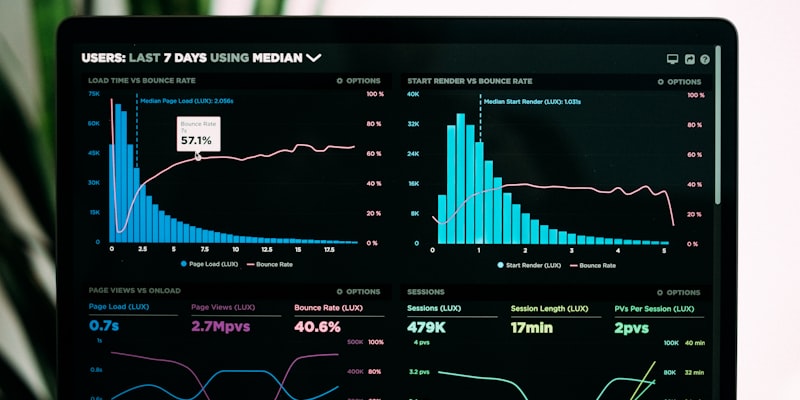
Your chatbot dashboard is full of data — conversation counts, message volumes, response times, engagement rates. But which metrics actually matter for your business? Here are the seven you should track weekly.
1. Conversation Volume
What it is: Total number of conversations initiated per period.
Why it matters: Tracks adoption and reach. If volume is flat despite growing website traffic, your chatbot trigger settings may need adjustment.
Target: Growing month-over-month, proportional to your website traffic.
2. Lead Capture Rate
What it is: Percentage of conversations that result in a captured lead (name + email/phone).
Why it matters: This is your chatbot's primary conversion metric. It directly measures how well the bot qualifies and captures prospects.
Target: 15-25% of conversations should capture a lead.
3. Resolution Rate
What it is: Percentage of conversations resolved without human escalation.
Why it matters: Measures the AI's ability to handle queries independently. A low resolution rate means your knowledge base needs improvement.
Target: 60-70% for support bots, 40-50% for sales bots (which should escalate to humans more often for deal closing).
4. Average Response Time
What it is: Time between a user message and the bot's response.
Why it matters: Speed directly impacts satisfaction and engagement. Users expect near-instant responses from chatbots.
Target: Under 5 seconds for 95% of responses.
5. Conversation Depth
What it is: Average number of messages per conversation.
Why it matters: Longer conversations indicate engaged visitors. Very short conversations (1-2 messages) suggest the bot isn't capturing interest. Very long conversations (20+) may indicate the bot is failing to resolve or capture.
Target: 4-8 messages per conversation.
6. Escalation Rate
What it is: Percentage of conversations that require human handoff.
Why it matters: Too high means the AI isn't handling enough independently. Too low might mean it's not escalating when it should.
Target: 20-35% of conversations.
7. After-Hours Engagement
What it is: Percentage of conversations happening outside business hours.
Why it matters: This represents value you literally cannot capture without automation. These are leads and support requests that would otherwise be lost.
Benchmark: Typically 30-40% of total conversations.
How to Use These Metrics
Weekly review (15 minutes):
- Check conversation volume trend
- Review lead capture rate
- Scan for any conversations that should have been resolved but weren't
- Look for common unanswered questions
Monthly deep-dive (30 minutes):
- Compare all metrics month-over-month
- Review escalated conversations for knowledge base gaps
- Update knowledge base with new content
- Adjust trigger settings based on engagement data
See it work on your own website
Paste your URL and chat with an AI agent trained on your content — right now, in 60 seconds.
Try It on Your WebsiteReady to try it yourself?
Deploy an AI chatbot on your website in under 5 minutes.
Get Started for Free